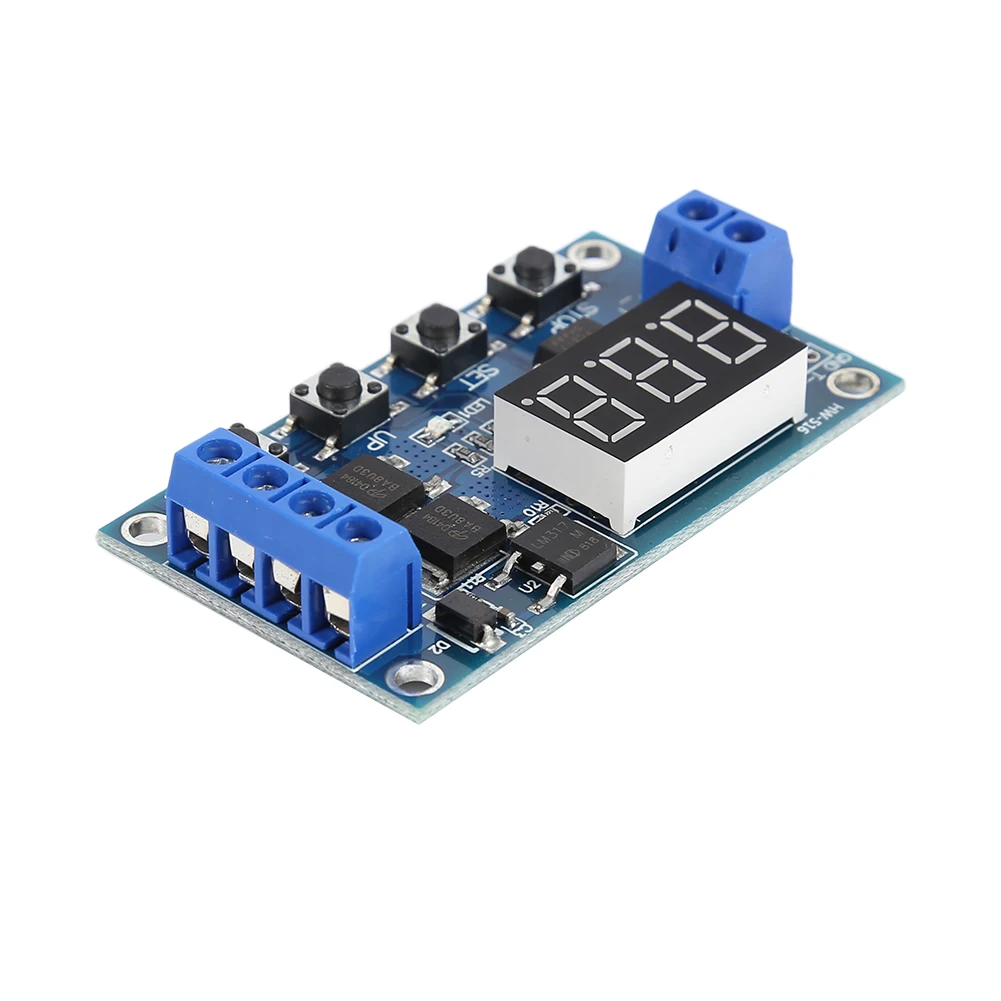
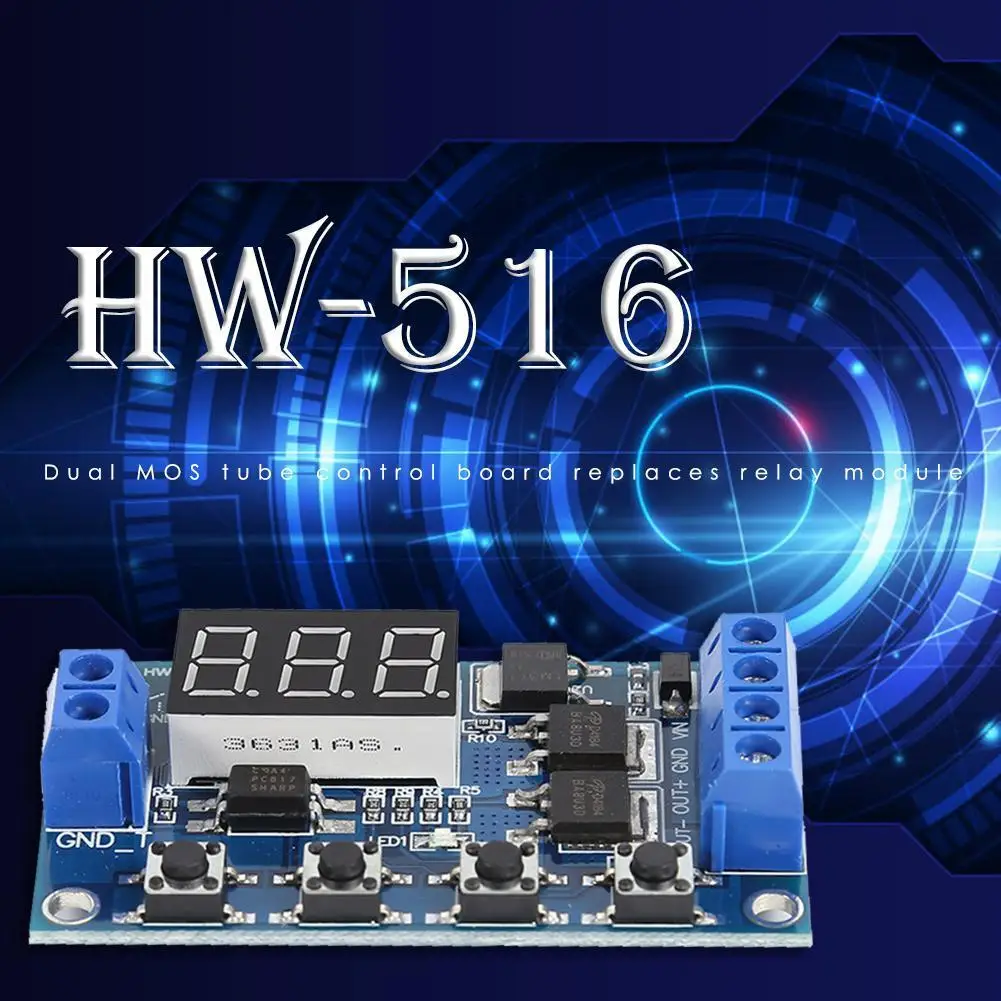
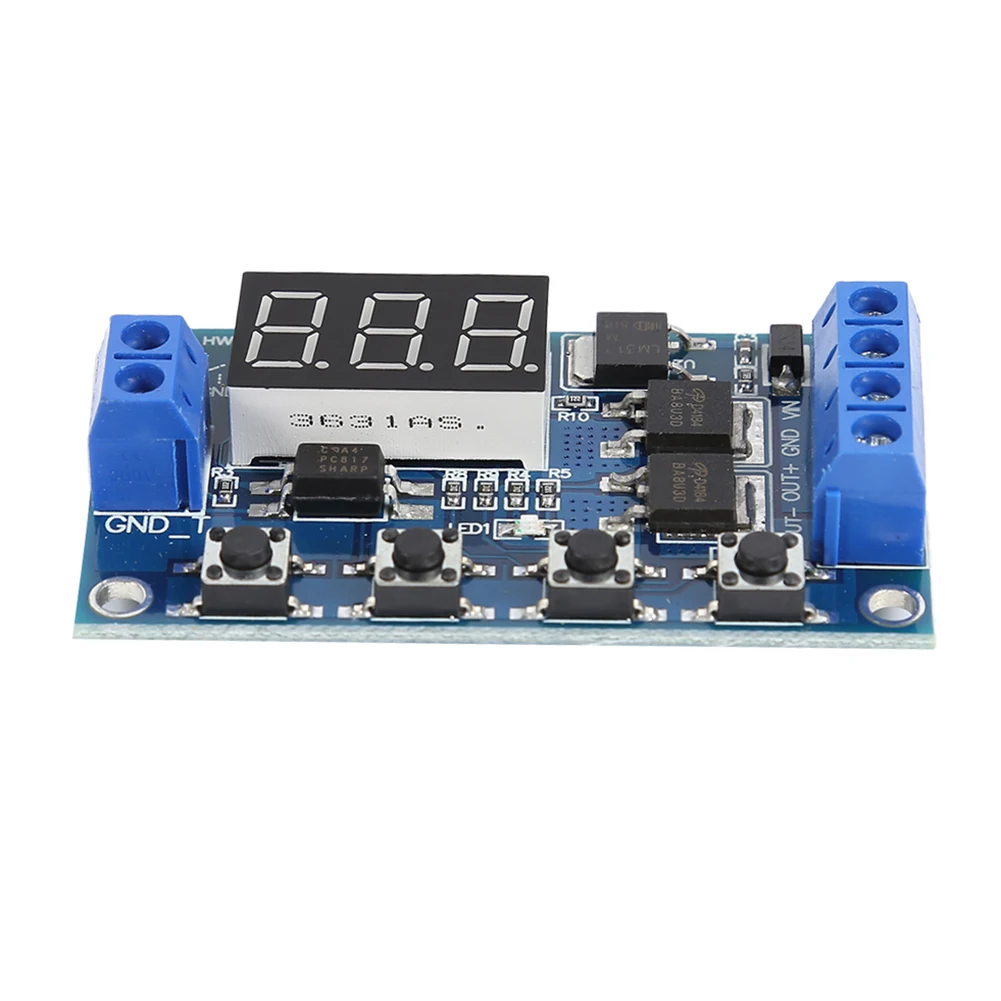
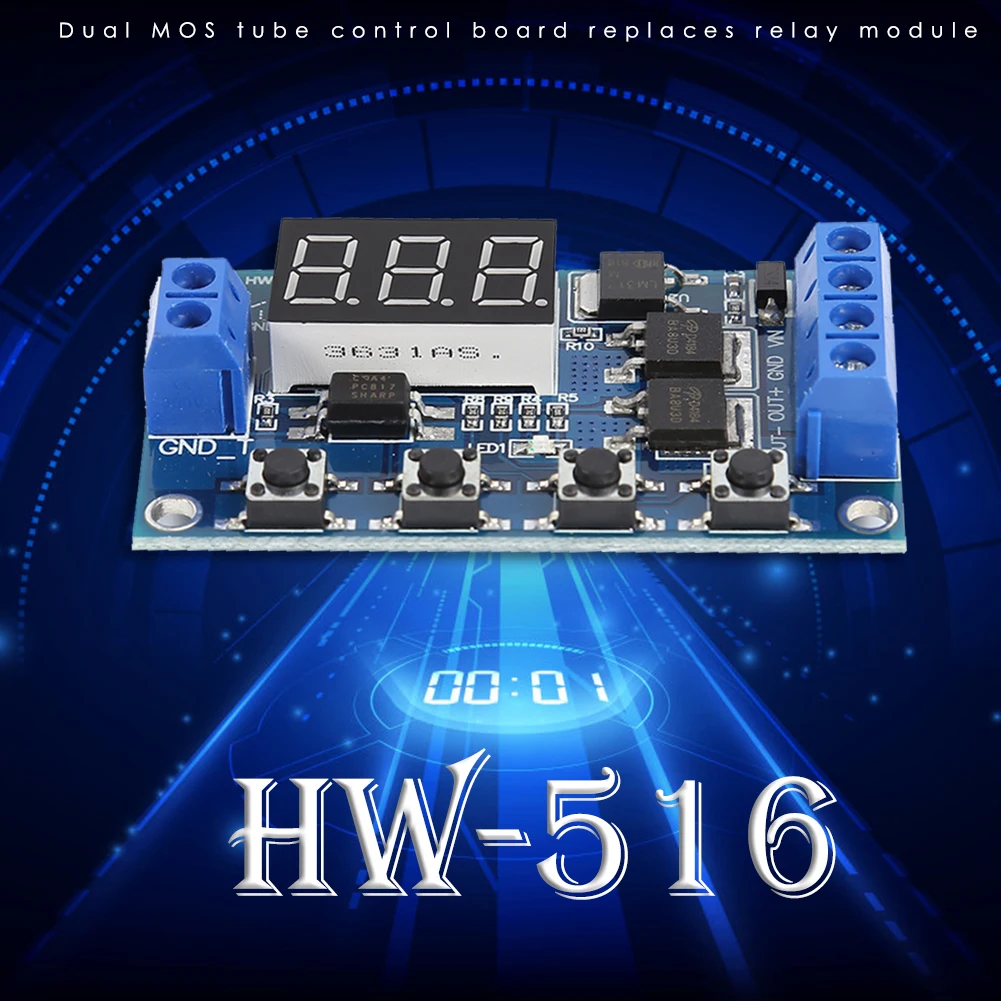
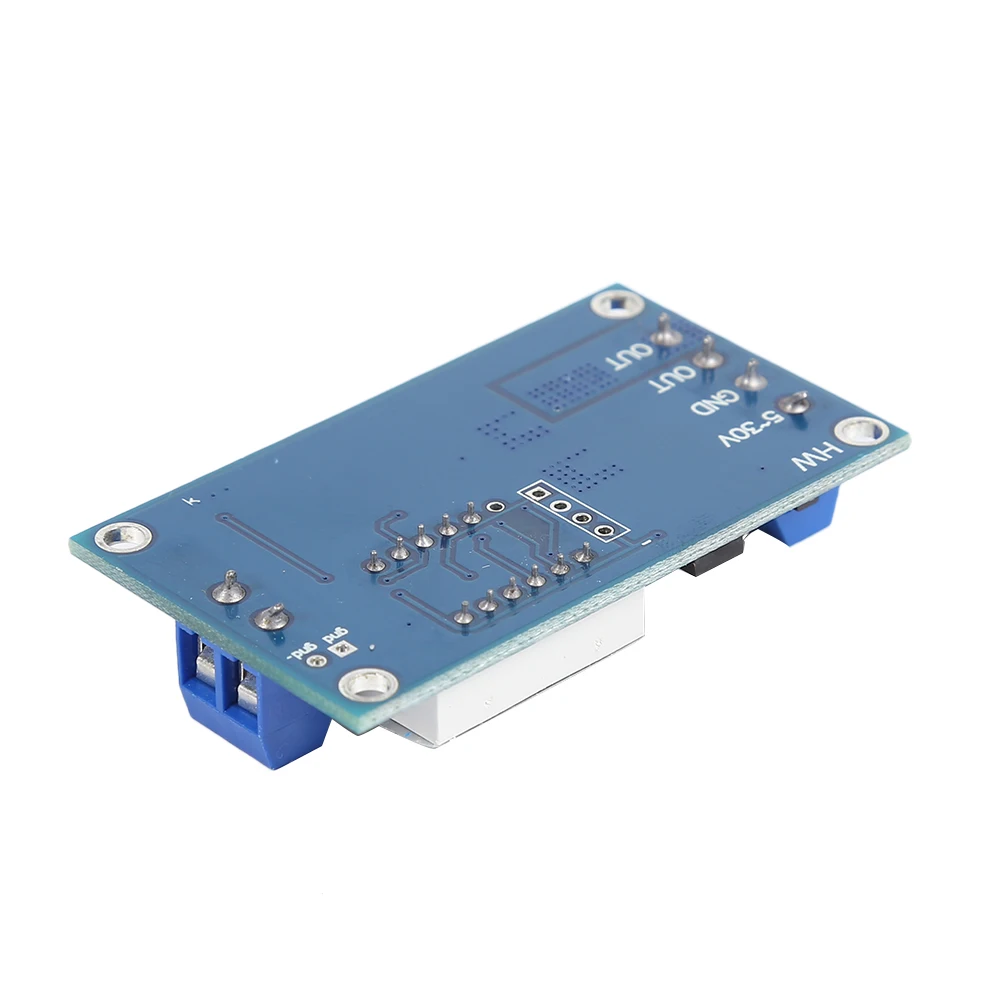
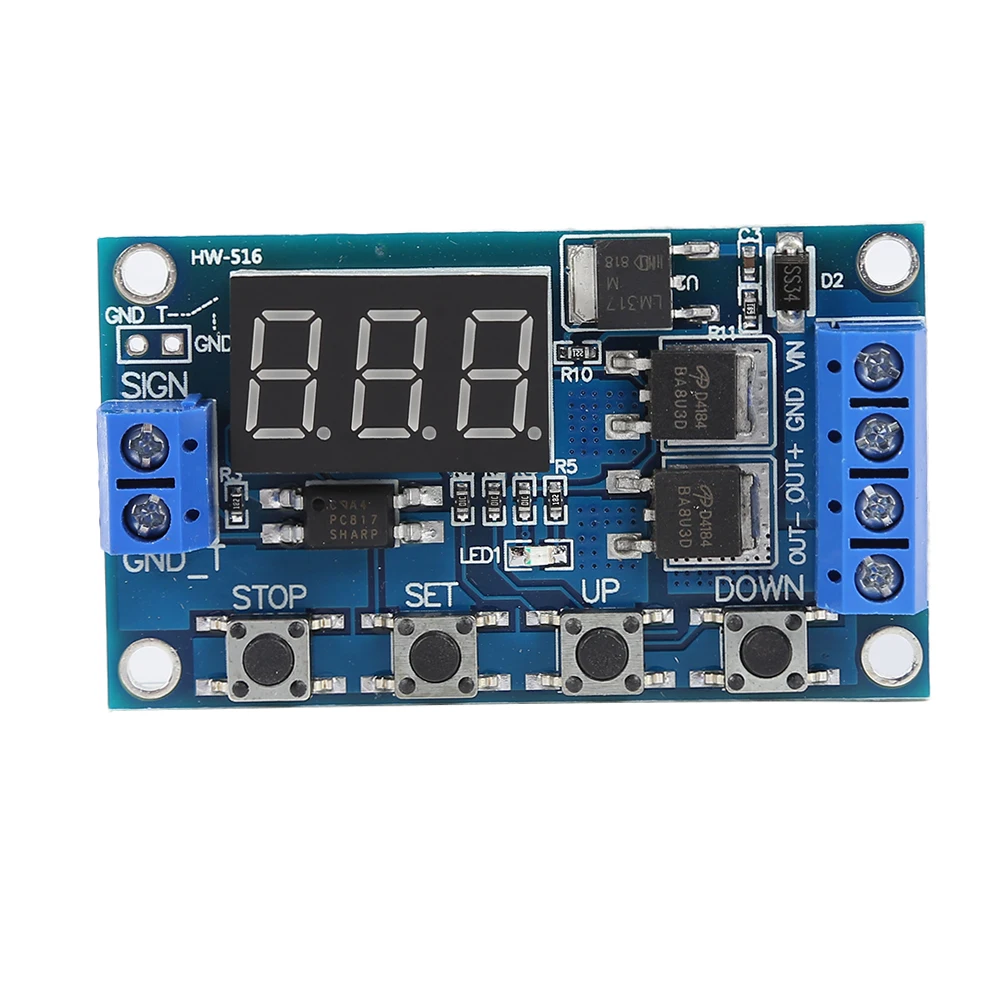
HW-516 DC 12V 24V Dual MOS LED Digital Time Delay Relay Trigger Cycle Timer Switch Circuit Board Timing Control Module DIY
Descriptions:
Operating mode:
P1: trigger signal, the relay is on “OP” time, and then disconnect; in the “OP” time, as follows:
P1.1: signal is triggered again, invalid
P1.2: signal is triggered again, the clock is reset
P1.3: Signal trigger again, relay off, stop the clock;
P-2: trigger signal, the relay off “CL” of time, the relay on “OP” time, and then disconnect relay;
P3.1: trigger signal, the relay is turned on after the “OP” time, the relay off “CL” time, then the operation cycle, if the trigger signal period, the relay off, stop the clock; the number of cycles ( “LOP “) can be set.
P3.2: without triggering signal, the relay is on “OP” time, the relay off “CL” time, and has been cycling; frequency ( “LOP”) cycle can be set;
P-4: signal holding function. If there is a trigger signal timing is cleared, the relay remains on; when the signal disappears, after the timing “OP” time, the relay is; if another signal during timing, timing is cleared;
Pay attention:
The module is an active output, the output voltage equal to the input voltage.
2.’DC + ‘and’ load + ‘This is an internal short circuit of the poles, but’ DC- ‘and’ load – ‘poles during use can not be shorted, otherwise the load can not be controlled on and off, which is equivalent load is been carrying electricity.
Timing range
0.1 seconds (min) to 999 minutes (max) continuously adjustable
How to choose the time range?
After setting the mode selection screen parameter value by a short press “STOP” button to select the time range;
XXX. decimal point in the unit place, time range: 1 second to 999 seconds.
X decimal point in decade place, Timing range: 0.1 seconds to 99.9 seconds
X. X. decimal full brightness, Timing range: 1 minute to 999 minutes.
For example, you want to set “OP” is 3.2 seconds, then move the decimal point to decade place, the digital display 03.2
Parameter description: “OP” – conduction time, “CL” – off time, “LOP” – the number of cycles (1-999 times, “—” represents infinite loop).
These parameters are independent of each other, but is shared by each mode. For example, in P1.1 mode, set the on-time “OP” is 5 seconds, if you switch to P1.2 mode, it’s “OP” will be 5 seconds too.
In the main interface (display 000), short press “SET” button will display “OP” ( “CL”, “LOP”) and the corresponding time XXX;
Some parameters only mode “OP” (such as the mode P1.1, P1.2, P1.3), short press the “SET” key to display only the “OP” and the corresponding time;
Some models have parameters “OP”, “CL”, “LOP” (such as the mode P3.1, P3.2), short press “SET” button will display “OP” and the corresponding time, “CL” and the corresponding time, “LOP” and the corresponding number of times;
In the main interface by short press “SET” key to see information about the parameters of the current mode, very convenient!
How to set parameters?
First, read the instructions to determine the required operating mode.
The module is powered up, the display at the current work mode (P1.1 default mode), then enter the main interface; press “SET” button for 2 seconds after release to enter mode selection interface; a short time by pressing “UP”, “DOWN” key to select the mode (P1.1 ~ P-4).
Select the mode (such as P3.2), short press the “SET” button, then the parameter to be set flashes ( “OP” on-time, “CL” off time, “LOP” cycles ( “—” represents infinite loop)), by “UP”, “DOWN” keys to adjust the parameter value, support long press (rapid increase or decrease) and short press (increase or decrease one unit); then short press the “STOP” key to select the decimal point position, select the time range (0.1 seconds to 999 minutes); short press the “SET” button to set the next parameters of the current mode of procedure is as above.
After the parameters are set, long press “SET” button for 2 seconds then release, the name of the current mode will flash once, and then return to the main screen, set the parameters of success!
The main interface: In the relay does not work status display “000” (no decimal point), with a decimal point under relay state.
Mode selection screen: Long press the “SET” key to enter, after setting is completed, long press the “SET” key to exit back to the main screen.
“STOP” button extensions:
Relays enable mode:
ON: Relay allows conduction in the “OP” on-time;
OFF: relay prohibit conduction is always closed;
In the main interface, short press the “STOP” button to switch between ON and OFF, the current in which the state will flash, and then return to the main screen. (This feature is an emergency stop function, click off the relay)
Specifications:
Operating voltage: 5-36V.
Trigger Source: Active-high (3.0V-24V), have optocoupler isolation, can improve the system’s anti-jamming capability (customers can also shorting common ground).
Output capacity: DC 5-36V, at room temperature, continuous current 15A, power 400W! Enhance heat dissipation conditions, the maximum current up to 30A.
Quiescent Current: 20mA
Operating Current: 50mA
Life: any switching times
Working temperature: -40-85 ℃
Size: 6.0*3.4*1.2cm/2.36*1.34*0.47″
With optocoupler isolation, enhanced anti-jamming capability, industrial grade board.
Notes:
1. There may be slight size deviations due to manual measurement, different measuring methods and tools.
2. The picture may not show the actual color of the item because of different photographing light, angle and display monitor.