


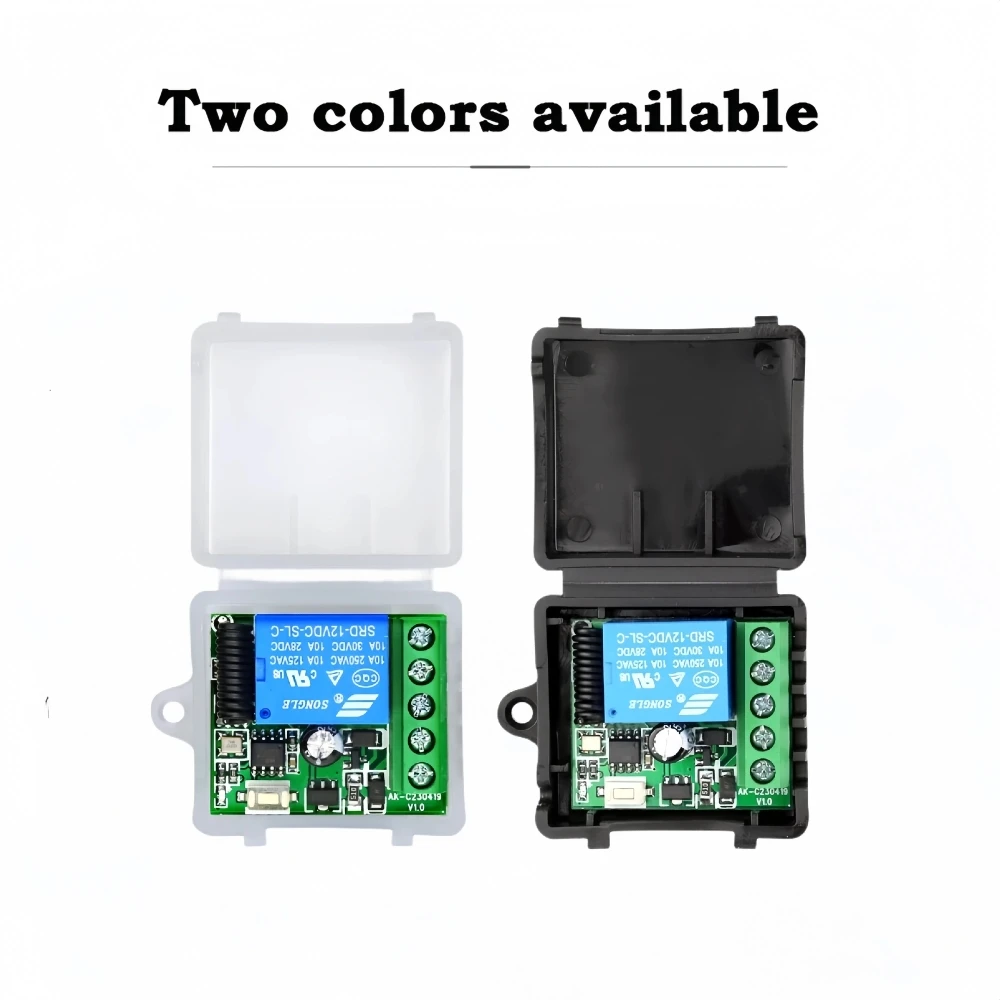
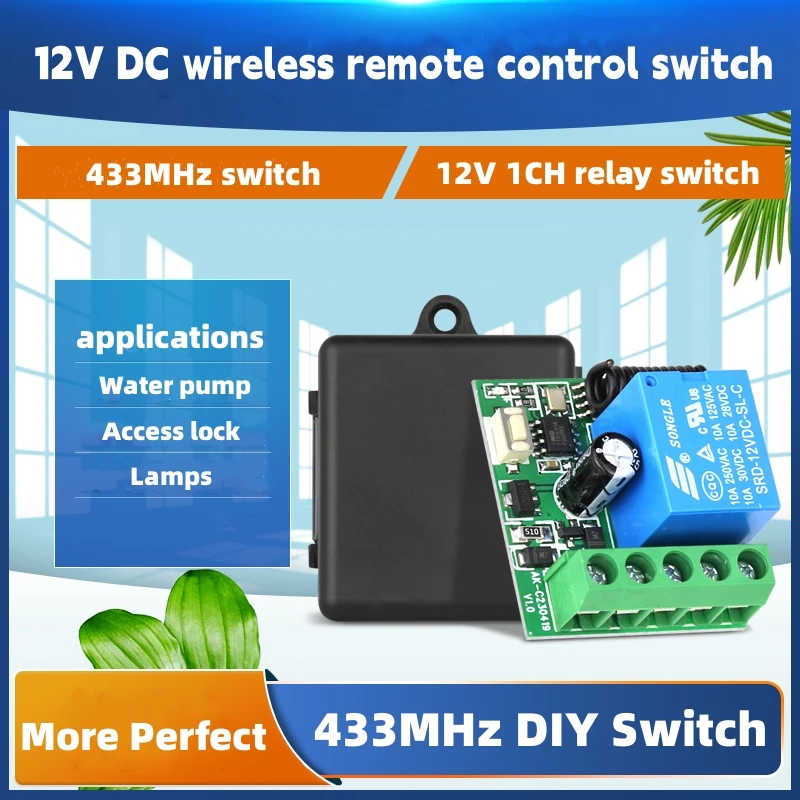
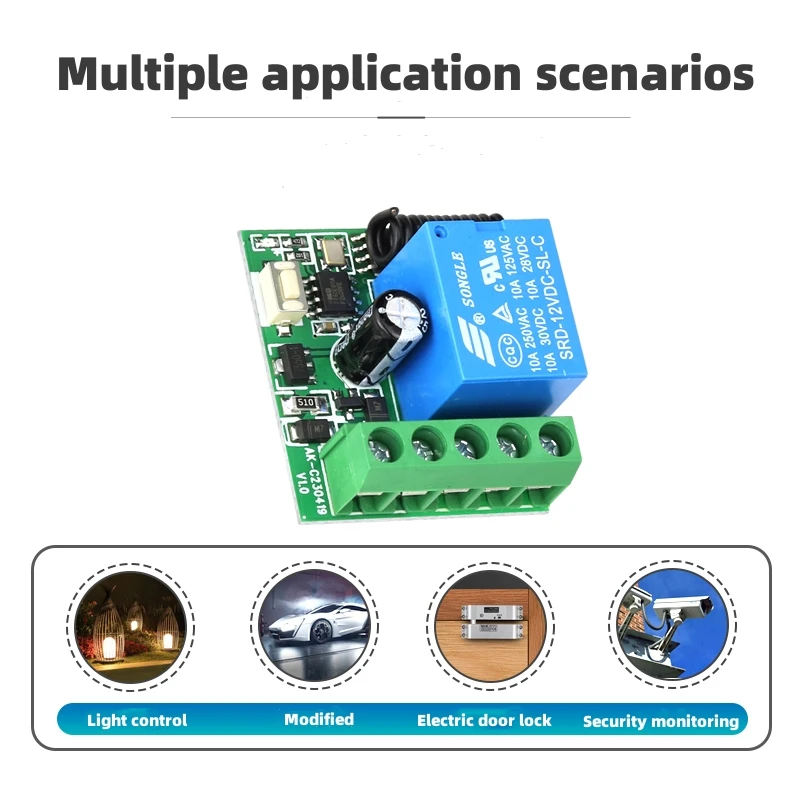
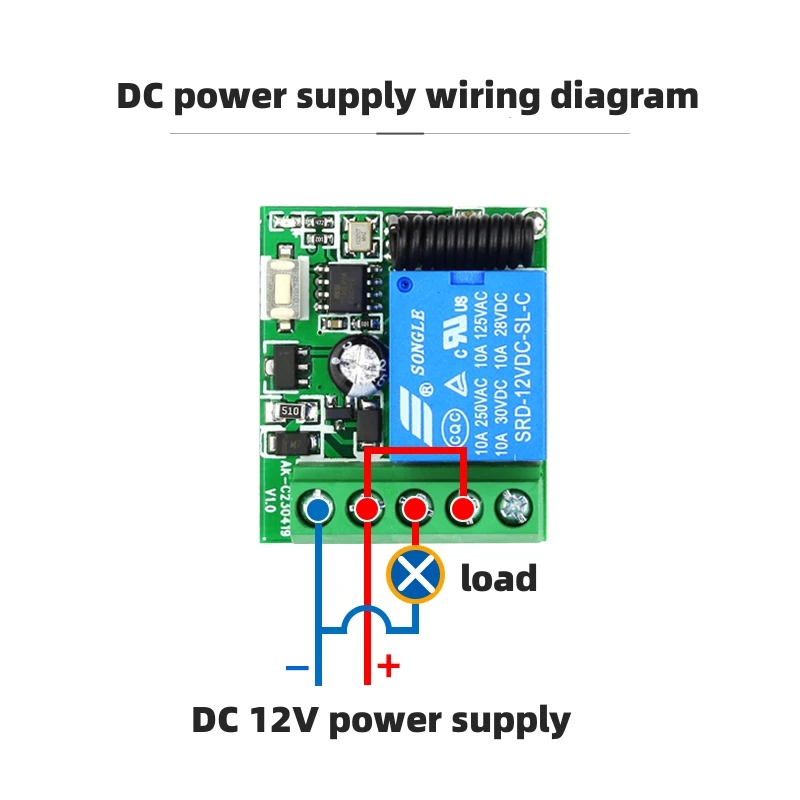




- Support APP: No
- Frequency: 433 MHz
- Channel: 1
- Package: No
- Model Number: 433 mhz remote control transmitter
- Wireless Communication: RF
- Use: Universal,Lighting,Electric Door,Automated curtains,SWITCH
- Brand Name: kebidumei
- Origin: Mainland China
- Features 1: 433 Mhz Universal Remote Control Switch
- Features 2: 433mhz Transmitter
- Features 3: DC 12V 1 Switch Receiver
- Features 4: For Garage Door Gate Motor
- Features 5: Universal Wireless Remote Control Switch
- Features 6: Learning Code Relay
- Features 7: 1CH Relay Receiver
- Features 8: for Smart Home
- Features 9: RF Remote Relay
- Features 10: 433MHZ Receiver Relay
- Features 11: 433Mhz Receiver Module For Learning Code Transmitter
Overview:
The 12 volt single circuit remote control switch adopts the main control chip programming, with low power consumption, convenient single key operation, diverse working modes, and easy to use code operation. Can be applied in lighting control, smart home and other control scenarios.
Product characteristics
(1) Working frequency: 433MHz;
(2) Working mode: jog mode, self-locking mode, interlock mode, delay mode;
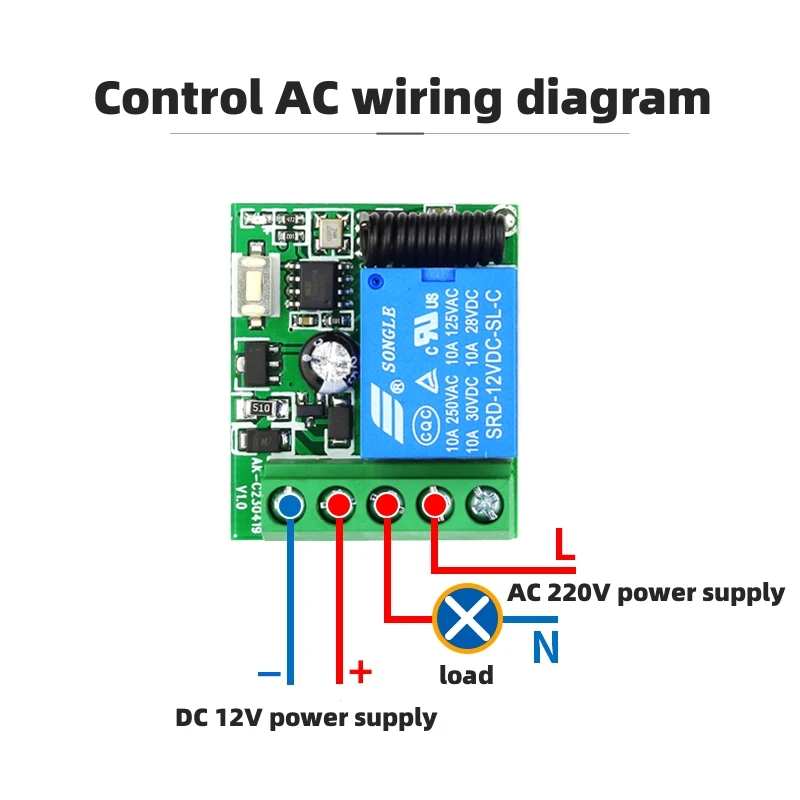
(3) Output method; Terminal blocks;
(4) Demodulation method: ASK;
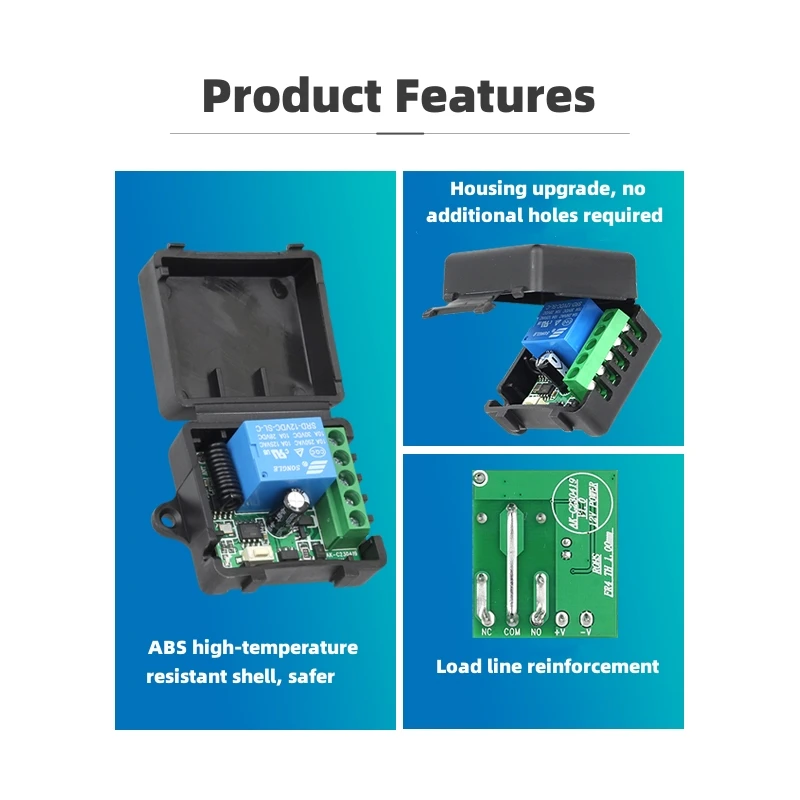
(4) Shell material: ABS;
(5) Control method: ordinary same frequency remote control;
(6) Product size: 34.5 * 29.5 * 17.1mm (excluding shell);
(7) Product weight: 14.88g (excluding shell).
Operating Function Description
(1) Code learning operation
Inching learning code: After the controller is connected to the power, briefly press the learning code button (the light flashes once), and then long press the remote control button for 3 seconds. The controller indicator light flashes to indicate successful learning code, and the working mode is inching mode.
Self locking code learning: After the controller is connected to the power, briefly press the code learning button twice (once the light flashes), and then long press the remote control button for 3 seconds. The controller indicator light flashes to indicate successful code learning, and the working mode is automatic mode.
Interlocking code learning: After the controller is connected to the power, briefly press the code learning button three times (press once to flash the light once), and then long press and hold one button on the remote control for 3 seconds (such as key A). The controller indicator light flashes and remains on, and then press another button on the remote control (such as key B). The controller indicator light flashes to indicate successful code learning, and the working mode is interlocking mode (such as AB interlocking).
Delay for 5 seconds to learn code: After the controller is connected to the power, briefly press the learn code button four times (once the light flashes), and then long press the remote control button for 3 seconds. The controller indicator light flashes to indicate successful code learning, and the working mode is automatic shutdown mode with a delay of 5 seconds.
Delay of 10 seconds for learning code: After the controller is connected to the power, briefly press the learn code button five times (once the light flashes), and then long press the remote control button for 3 seconds. The controller indicator light flashes to indicate successful learning code, and the working mode is automatic shutdown mode with a delay of 10 seconds.
Delay for 15 seconds to learn code: After the controller is connected to the power, briefly press the learn code button six times (once the light flashes), and then long press the remote control button for 3 seconds. The controller indicator light flashes to indicate successful code learning, and the working mode is automatic shutdown mode with a delay of 15 seconds.
Delayed code learning by 20 seconds: After the controller is connected to the power, briefly press the code learning button seven times (once the light flashes), and then long press the remote control button for 3 seconds. The controller indicator light flashes to indicate successful code learning, and the working mode is automatic shutdown mode with a delay of 20 seconds.
(2) Clear code operation
Press and hold the learn code button on the controller for 5 seconds until the indicator light flashes, indicating successful code clearing.
(3) Clear code operation
Jog mode: After learning the code for a single button on the remote control, press the button relay to engage, and release the button relay to disconnect.
Self locking mode: After learning the code for a single button on the remote control, press the button relay once to engage and then press the button relay again to disconnect.
Interlock mode: After learning the codes for the two buttons on the remote control, press the A key to activate the relay, and press the B key to deactivate the relay.
Delay mode: After learning the code for a single button on the remote control, press the button relay to engage, and after the delay, it will automatically disconnect.


Professional Robotics and Electronic Design Services

Professional Robotics and Electronic Design Services
IntroductionWhen it comes to the world of robotics and el...

STEAM education DIY KIT Qhebot
Unleash Potential: The Path to Programming for Young Minds
In today’s digital age, programming is not just a ...