


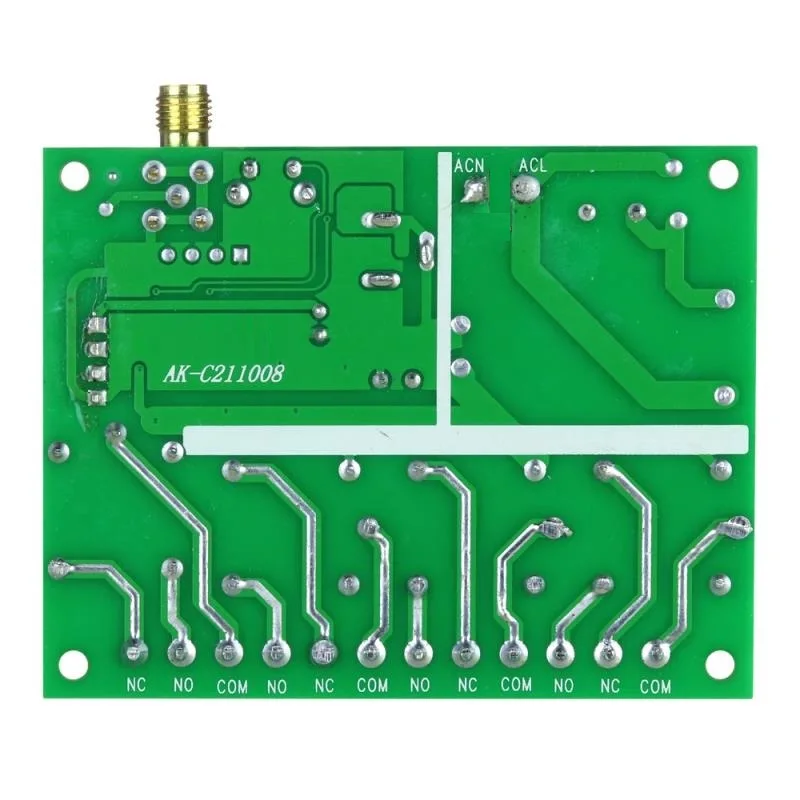




- Hign-concerned Chemical: None
- Support APP: No
- Frequency: 433 MHz
- Channel: 4
- Package: No
- Model Number: C211008-DC+AK1000-4F
- Wireless Communication: RF
- Use: Universal,Projectors,Lighting,Electric Door,Automated curtains,SWITCH
- Brand Name: CENTURY AOKE
- Origin: Mainland China
- Certification: CE,FCC
- Remote Distance: 20-1000M
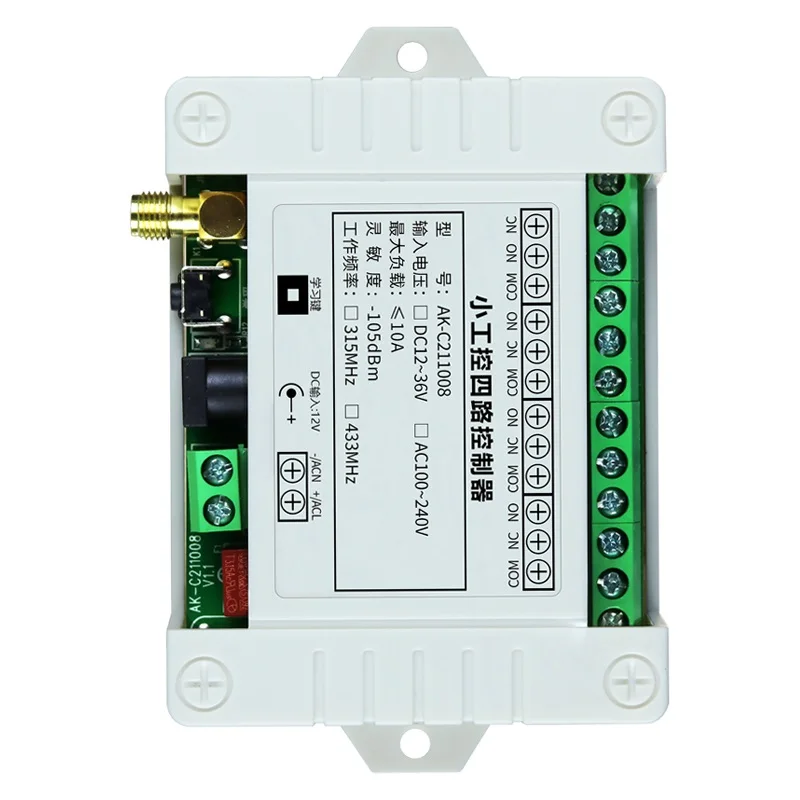
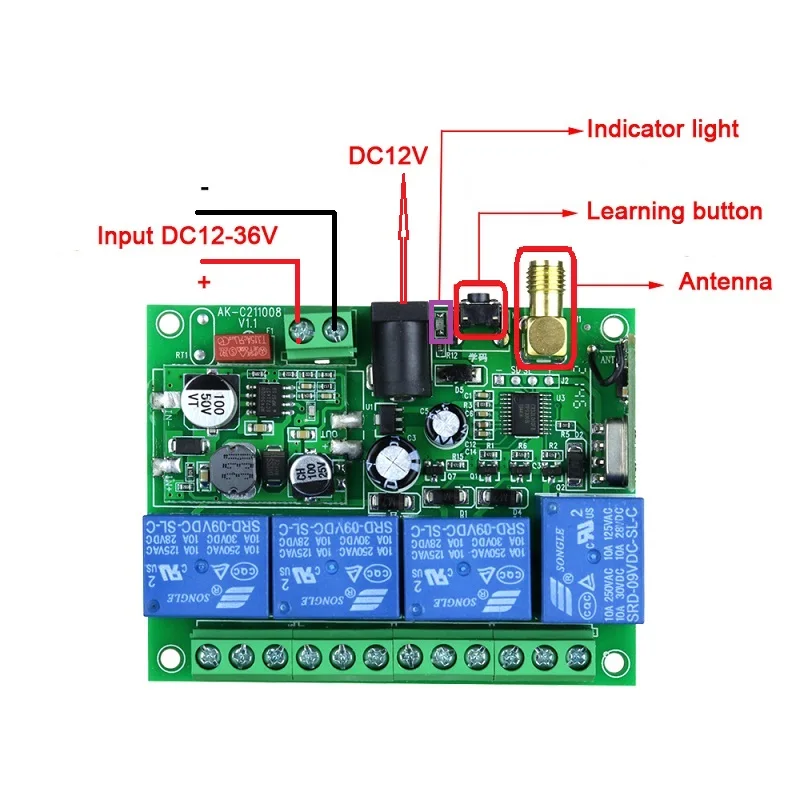
- Working voltage: DC12-36V
- Remote Button: 4 buttons

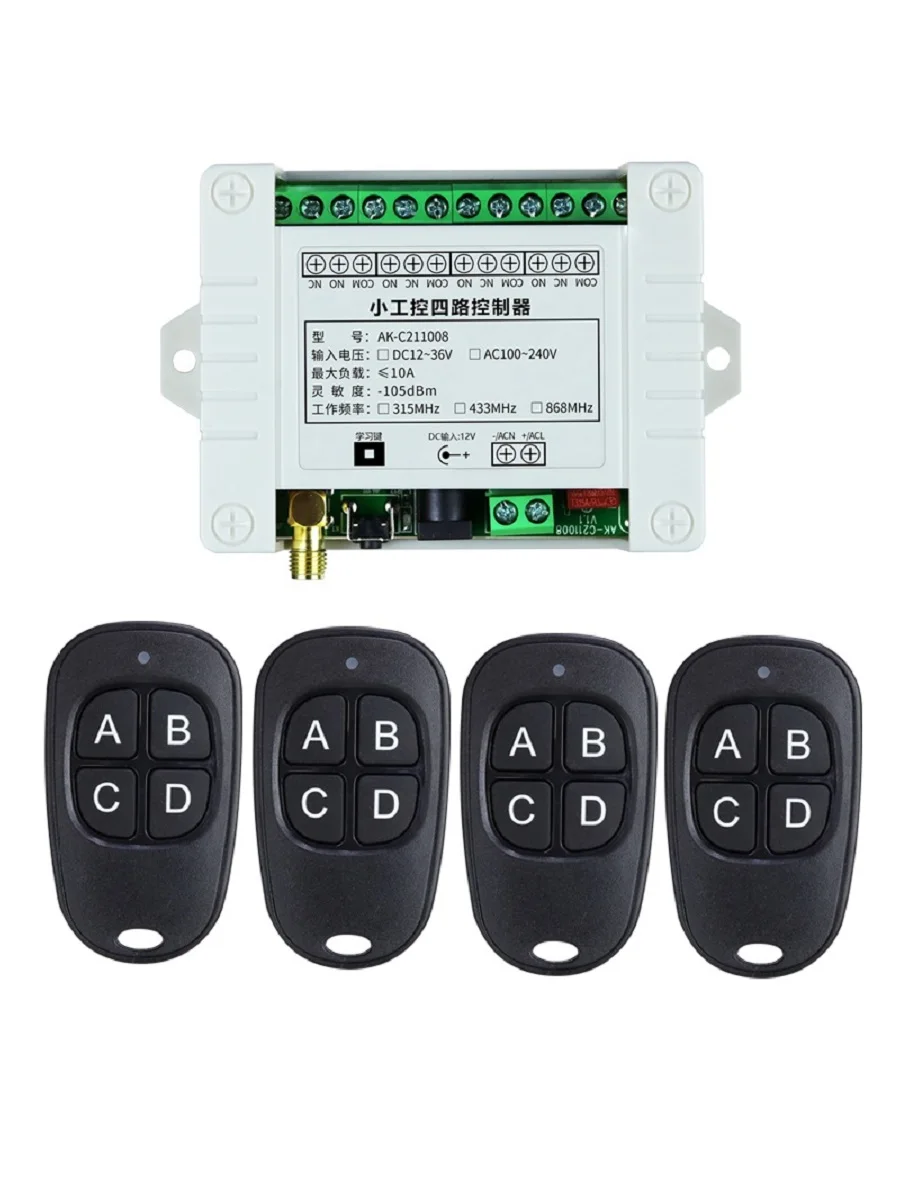

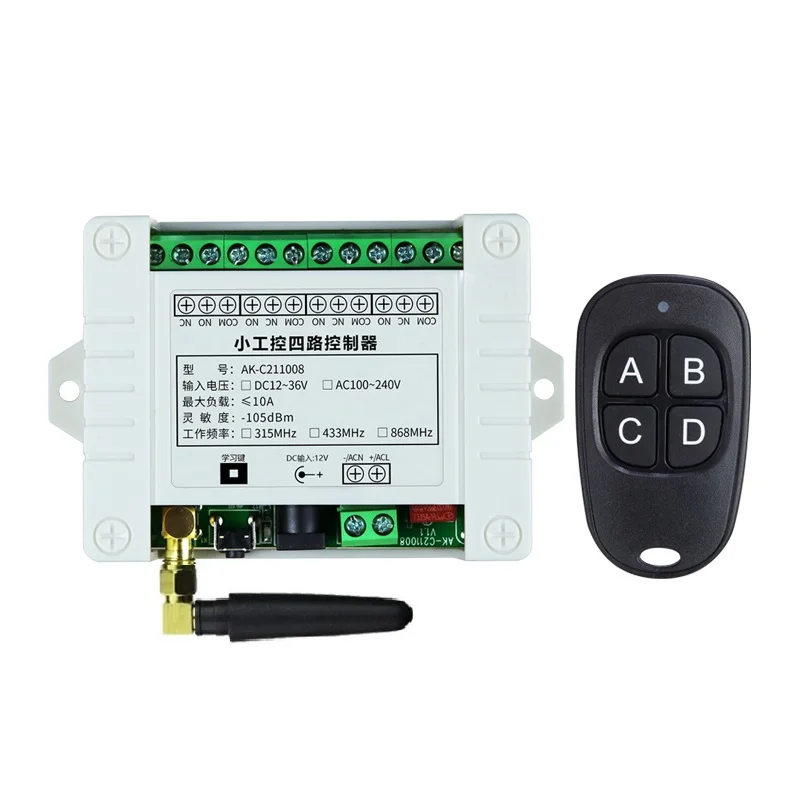


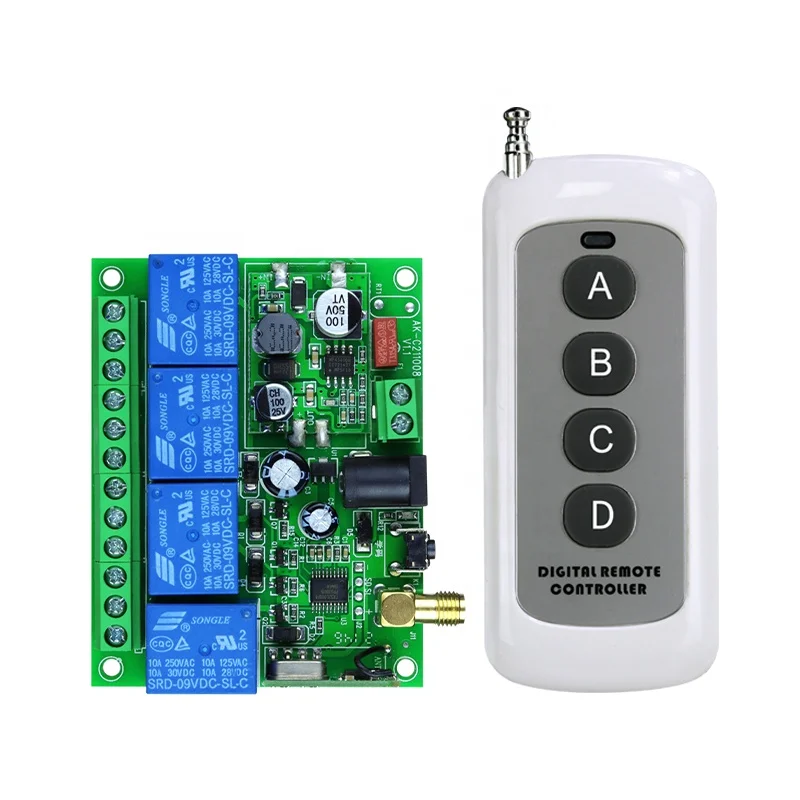
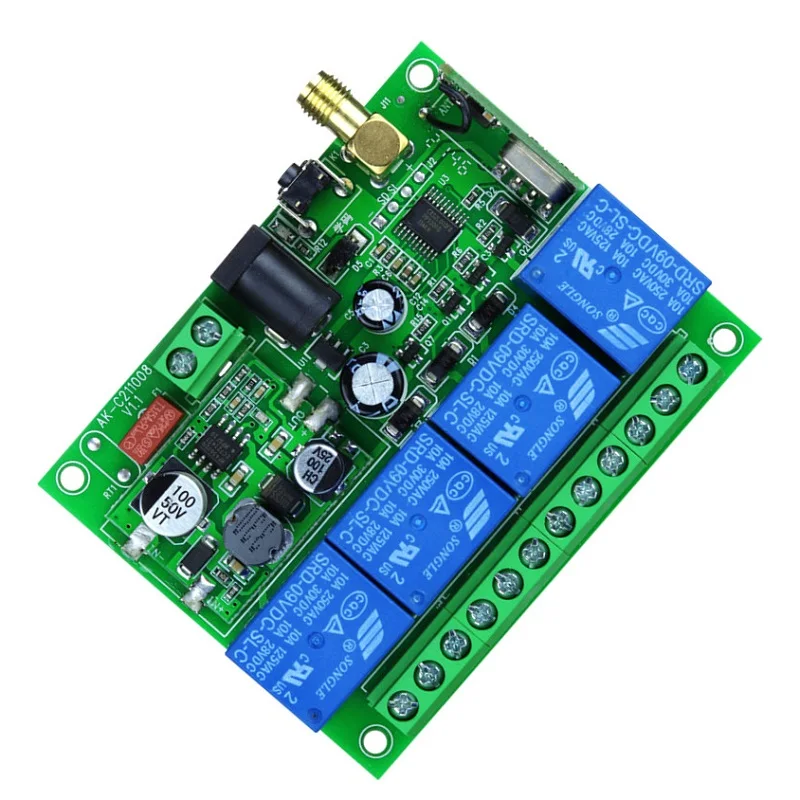
4CH 433MHz DC12V 24V 36V 10A Relay Switch Wireless Remote Control system RF Receiver Transmitter Electric door Moto Smart home
1.Working Voltage: DC12V-36V
2.Current:Standby less than 10mA,Working less than 128mA
3.Working Temperature: -10’C—+60’C
4.Receiver Frequency: 433.92MHZ
5.Receiving Sensitivity: -105dB
6.Output State: Switching Value
7.Max Load:10A Relay, Resistive load less than 8A,Inductive load less than 3A
8.Case Size:96* 80 * 29mm
Encoding Type: Learning Code
Add transmitter by the Learning Button on the receiver
About Working way:
Working way changed by Learning button
Momentary: Press the Learning Button 1 times.
Relay: Press and hold -> On; Release -> Off.
Toggle: Press the Learning Button 2times.
Relay: Press -> On; Press same button again -> Off·
Latched:Press the Learning Button 3 times.
Relay: Press -> On; Press other button -> Off.
2channel Momentary+2channel Latched: Press the Learning Button 4 times.
2channel Momentary+2channel Toggle: Press the Learning Button 5 times.
2channel Toggle+2channel Latched: Press the Learning Button 6 times.
About Learning and clearing Method:
Learning: Press learning button, the indicator flashes and OFF, loosen finger, press any button of the remote transmitter, indicator flashes three times, meaning learning succeeds.(how many times press the learning button according to the working way you need)
Clearning: Hold press learning button about 8 seconds,indicator light flashes several times and off,then press remote ,Relay did not Respond ,it means clearning code successful.
Momentary—–Press the transmitter button A,the receiver relay A is ON; Release button A ,The receiver relay A is OFF ,The same as B/C/D
Toggle——–Press the transmitter button A For 1 time ,the receiver relay A is ON; Press button A again,The receiver relay A is OFF ,The same as B/C/D
Latched——
Press transmitter button A,the receiver relay A is ON,the relay B/C/D is OFF
Press transmitter button B,the receiver relay B is ON,the relay A/C/D is OFF
Press transmitter button C,the receiver relay C is ON,the relay A/B/D is OFF
Press transmitter button D,the receiver relay D is ON,the relay A/B/C is OFF
It mean ,Latched only can keep 1CH ON,and it will ofen have 1CH is ON
About Transmitter:
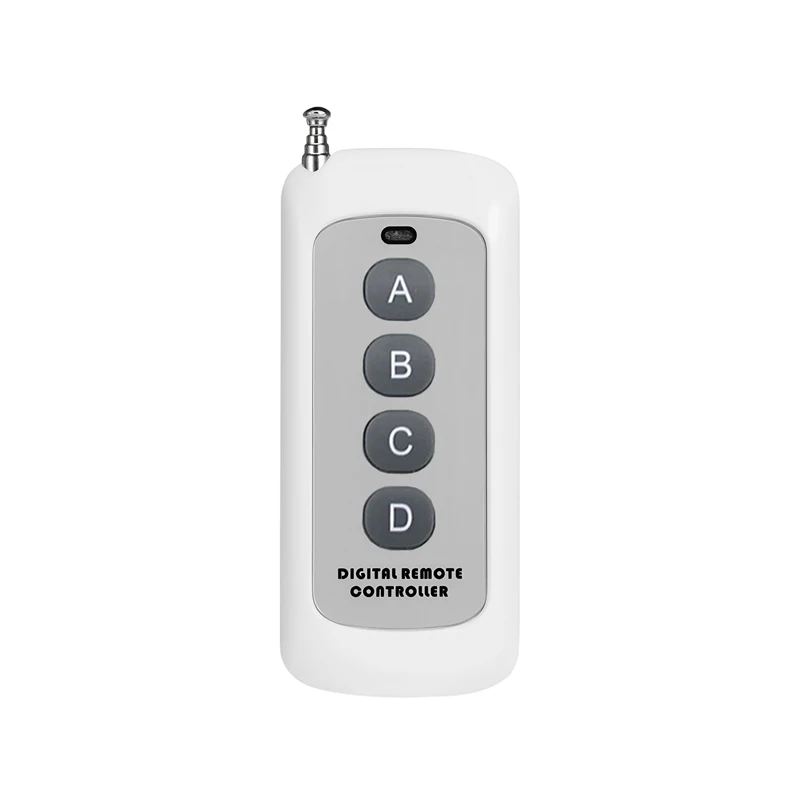
1.Buttons: 4 Buttons
2.Working Voltage:27A 12V
3.Operating frequency :433MHz
4.Remote Distance: 20-1000M
5.Operating Current: 13 mAh
6.Encode: EV1527 code
7.Size: 91*39.5*15mm
Remote Control Distance:50-1000m( Ideal Distance WITHOUT Any Block and Signal Interfere,Could Rise or Fall 10%-90% in Real Situation )


